
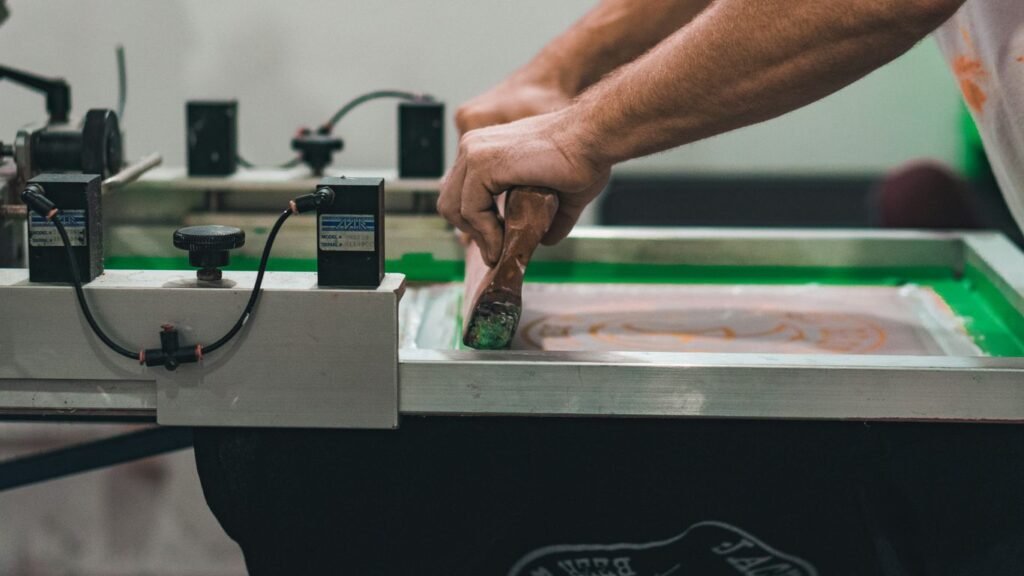
So, you’re curious about direct-to-garment print, huh? It’s this cool way of putting designs right onto clothes, kind of like how your home printer works, but for fabric. Forget those old methods with screens and stuff; this is way more direct. It’s become super popular for making custom shirts and other gear, and honestly, it’s not as complicated as it sounds. We’re going to walk through what it is, how to get your designs ready, and what makes the whole direct-to-garment print process tick.
Key Takeaways
- Direct-to-garment (DTG) printing applies designs directly onto clothing using specialized inkjet technology, offering vibrant, detailed prints.
- Proper garment preparation, including choosing the right fabric and pre-treating dark colors, is vital for print quality and longevity.
- Artwork needs to be high-resolution (at least 300 dpi) and well-prepared, as DTG printing handles gradients and intricate details well.
- Understanding the role of DTG transfer film, including choosing the right type and printing in mirror image, is key for successful application.
- DTG pigment inks are formulated to sit on the fabric surface, providing bright colors and good durability against fading and washing.
What In The Heck Is Direct-to-Garment Print Anyway?
So, you’ve heard the buzz about Direct-to-Garment (DTG) printing, and maybe you’re picturing some kind of high-tech magic show. Well, you’re not entirely wrong! Think of it like this: instead of using stencils or transferring designs from paper, a DTG printer is basically a fancy inkjet printer that’s been trained to spray ink directly onto your clothes. It’s pretty wild when you think about it. You load up a t-shirt, hit print, and bam – your design appears right on the fabric. It’s like a digital tattoo for your tee.
The Magic Behind The Machine
At its core, DTG printing uses specialized inkjet technology. Unlike your home printer that spits ink onto paper, DTG printers are built to handle fabric. They use a special kind of ink that bonds with the fibers of the garment. This means you can get super detailed designs, even with tons of colors, without the usual fuss.
Why Your Old Screen Printing Buddy Is Jealous
Remember screen printing? Where you had to make a separate screen for every single color in your design? Yeah, DTG skips all that. This makes it way easier and faster to print complex graphics with gradients and a whole spectrum of colors. Plus, there’s no need for huge minimum orders. You can print one shirt or a hundred, and the setup is pretty much the same. It’s a game-changer for small runs and custom orders.
It’s Not Just For T-Shirts, Silly!
While t-shirts are the rockstars of the DTG world, this printing method isn’t limited to just them. You can get creative with hoodies, sweatshirts, tote bags, and even some hats. Basically, if it’s made of cotton (or a cotton blend) and can fit through the printer, you can probably slap a design on it. It really opens up a lot of possibilities for custom apparel [0eb9].
The beauty of DTG is its ability to handle intricate details and a wide color palette directly onto the fabric. This means less setup time and more creative freedom for your designs.
Here’s a quick rundown of what makes DTG stand out:
- Direct Application: Ink goes straight onto the garment.
- Color Versatility: Handles full-color designs and gradients with ease.
- Minimal Setup: No need for screens for each color.
- On-Demand Friendly: Great for small batches and one-offs.
- Soft Feel: The print often feels like part of the fabric, not just sitting on top.
Garment Prep: Don’t Be That Guy Who Skips This Step
Alright, let’s talk about getting your shirts ready for their close-up. You’ve got this killer design, right? You’re picturing it looking amazing on a fresh tee. But hold up, cowboy. Before you even think about hitting ‘print,’ we gotta prep the canvas. Skipping this part is like trying to paint a masterpiece on a greasy pizza box – it’s just not gonna end well. Trust me, I’ve seen it. It’s not pretty.
Picking The Perfect Canvas For Your Masterpiece
So, what makes a shirt a good shirt for DTG? It’s not just about grabbing the cheapest pack from the big box store. Think of it like choosing the right paper for a watercolor painting. You want something that’s going to hold the ink nicely and not fight you. Cotton is usually your best bet, especially 100% ringspun cotton. It’s soft, it takes ink like a dream, and it generally gives you the most vibrant results. Blends can work, but they can be a bit trickier. The synthetic fibers sometimes don’t play nice with the ink, leading to duller colors or prints that don’t last as long. So, if you want your design to pop and stick around, go for quality fabric.
The Dark Arts Of Pre-Treatment (It’s Not Scary!)
Now, this is where things get a little… scientific. For darker garments, you absolutely have to pre-treat them. This isn’t some optional step to make your life harder; it’s the secret sauce. Pre-treatment is a liquid solution that gets sprayed onto the shirt before printing. Why? Because when you print white ink on a dark shirt, it needs something to sit on top of so it doesn’t just soak in and disappear. The pre-treatment acts like a primer, creating a smooth, white base for your colors to really shine. Without it, your design will look muddy and sad. You can buy pre-treatment machines, or if you’re just starting out, you can apply it by hand with a sprayer. Just make sure you get an even coat. After spraying, you’ll need to cure it with a heat press. This step is super important for vibrant, long-lasting prints.
Is Your Shirt Ready For Its Close-Up?
Once you’ve pre-treated (if needed) and everything is dry, you need to give the shirt a quick press with your heat press. This does a couple of things. First, it gets rid of any moisture that might still be in the fabric. Water and ink? Not friends. Second, it flattens out the fabric, making sure there are no wrinkles or bumps for the print head to snag on. Think of it as ironing your shirt before you put on a fancy tie. It just makes everything look cleaner and more professional. You’re basically setting the stage for your awesome design to lay down perfectly. It’s a small step, but it makes a huge difference in the final outcome.
Don’t underestimate the power of a well-prepped garment. It’s the foundation of a great print, and cutting corners here will haunt your finished product.
Artwork Alchemy: Turning Pixels Into Pure Awesomeness
Alright, let’s talk about making your digital art look good enough to wear. This isn’t just about slapping a picture onto a shirt; it’s about making sure that picture actually looks like a picture and not some blurry mess your uncle tried to draw after a few too many.
Resolution: Because Blurry Is So Last Decade
Seriously, if you’re still thinking 72 dpi is okay for printing, you need to stop. Your artwork needs to be at least 300 dots per inch (dpi) at the actual size you want it printed. Think of it like this: if you want your design to be 10 inches wide on a shirt, your file needs to be 10 inches wide at 300 dpi. Anything less, and it’s going to look like you printed it from a flip phone. We’re aiming for crisp, not ‘did I leave my glasses at home?’
Gradients and Textures: DTG’s Love Language
This is where DTG really shines. Unlike old-school methods that might struggle with smooth color transitions or intricate patterns, DTG can handle them like a champ. Smooth gradients that go from sky blue to deep ocean, or textures that look like actual fabric? DTG can do that. It’s great for designs that have a lot of depth and detail.
- Smooth Color Blends: Perfect for skies, sunsets, or anything with subtle color shifts.
- Realistic Textures: Think wood grain, brushed metal, or even fabric patterns within your design.
- Complex Details: Fine lines, intricate patterns, and small text usually come out sharp.
Color Me Impressed: Experimenting With Hues
Don’t be afraid to play around with colors. DTG printers can reproduce a pretty wide range of hues, and sometimes the default settings might not be exactly what you envisioned. If you’re working with a designer, make sure they’re using a color profile that’s good for printing, not just for screens. And if you’re doing it yourself, maybe run a small test print first. You might be surprised at how vibrant things can get.
Sometimes, the colors on your screen don’t perfectly match what comes off the printer. It’s a common thing, and it’s why testing is your best friend. A little tweak here or there can make a big difference between ‘meh’ and ‘wow’.
Here’s a quick rundown of what to aim for:
| Feature | Recommendation |
|---|---|
| Resolution | 300 DPI at print size |
| File Format | PNG or TIFF (preferred) |
| Color Mode | RGB (usually best) |
| Background | Transparent (for most) |
Getting your artwork ready is half the battle. Nail this part, and you’re well on your way to some seriously awesome prints. For more on getting your files print-ready, check out artwork file setup.
The Mysterious World Of DTG Transfer Film
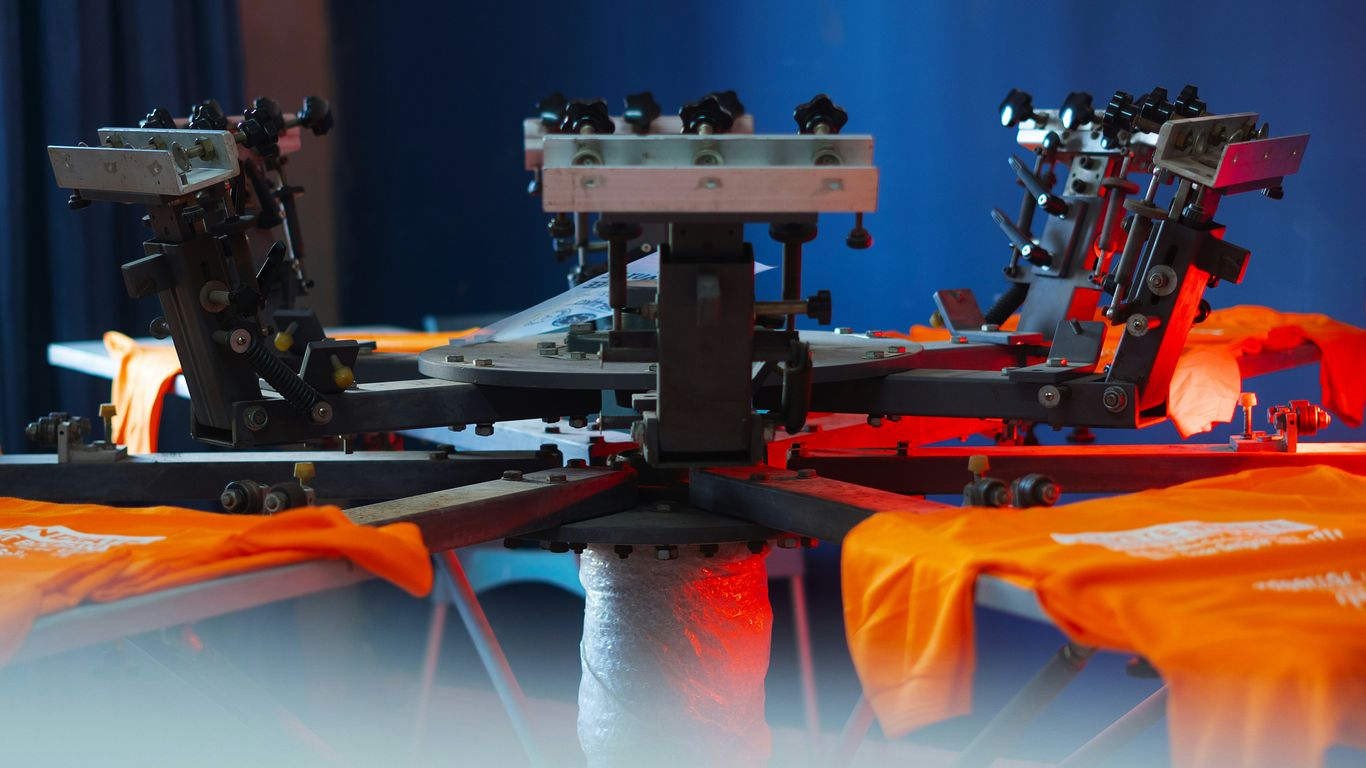
Alright, let’s talk about the unsung hero of many DTG prints: the transfer film. You might be thinking, "Wait, isn’t DTG supposed to be direct to the garment?" And you’d be right, mostly. But sometimes, especially with certain fabrics or when you want that extra pop, a transfer film is your best buddy. It’s like a temporary tattoo for your shirt, but way more professional and less likely to peel off after one wash.
Choosing Your Film: It’s Not One-Size-Fits-All
Just like picking out the right paint for a canvas, selecting the correct transfer film is pretty important. You wouldn’t use house paint on a delicate watercolor, right? The same logic applies here. Different films are designed for different jobs. Some are great for cotton, others are better for blends, and some are just plain picky. You’ll find films that are smooth, others that have a bit of texture, and they all affect how your final print looks and feels. Getting this wrong can lead to a print that feels stiff, cracks easily, or just doesn’t look as vibrant as you hoped. It’s worth doing a little homework to find a DTF transfer sheet that plays nice with your specific printer and the fabric you’re working with.
The Art Of The Mirror Image Print
This is where things get a little mind-bendy. When you print onto the transfer film, you’re actually printing a mirror image of your design. Yep, backward. It sounds weird, but it’s all part of the magic. The ink sits on the film, waiting for its moment to shine. You then use a heat press to transfer that ink from the film onto the garment. It’s a bit like pressing a sticker, but with way more advanced technology and a lot less sticky residue (hopefully).
Peeling Back The Layers: Revealing Your Masterpiece
This is the moment of truth. After the ink has been applied to the film and it’s been heated onto your garment, you get to peel off the film. This is where you see your design come to life. There are two main types of peels: hot peel and cold peel. A hot peel means you remove the film while it’s still warm from the heat press. A cold peel means you have to wait for it to cool down completely. Which one you use depends on the specific film and ink you’re working with. It’s a bit like unwrapping a present – you want to do it carefully to avoid damaging the goods.
The transfer film acts as a temporary holder for the ink, allowing for precise placement before it’s fused onto the fabric. Think of it as a stencil that you can heat-press directly onto your apparel.
Here’s a quick rundown of what to consider:
- Film Type: PET films are common, but look for specific coatings that help with ink adhesion and release.
- Peel Temperature: Hot peel, cold peel, or warm peel – know which one your film requires.
- Ink Compatibility: Not all inks play well with all films. Check the manufacturer’s recommendations.
- Fabric Type: Some films are more versatile than others when it comes to different materials.
Ink-redible Results: The Pigment Powerhouse
Alright, let’s talk about the stuff that actually makes your designs pop on fabric: the ink. Specifically, we’re diving into the world of pigment ink, the superstar of Direct-to-Garment (DTG) printing. Forget those old-school methods where ink just soaked into the threads like a bad stain. Pigment inks are different. They’re like tiny, colorful soldiers that stand proudly on top of the fabric, creating a vibrant, durable image. This is what gives DTG its signature crispness and color depth.
What Makes DTG Pigment Ink So Special?
So, what’s the big deal with pigment ink? Well, unlike dye inks that get absorbed by the fabric, pigment inks are made of solid particles suspended in a liquid. Think of it like glitter suspended in water, but way more sophisticated and less likely to end up all over your living room. These particles sit on the surface, which is why you get such bright, opaque colors, especially on darker shirts. It’s this surface-level magic that makes them resistant to fading and washing out. It’s a bit like putting a protective shield on your design.
The Science of Staying Vibrant
How do these little pigment particles manage to stick around and look good after a few trips through the washing machine? It’s all about the chemistry. The ink is formulated with binders that help it adhere to the fabric fibers. When the ink is cured (usually with heat), these binders essentially lock the pigment particles in place. This process is what gives DTG prints their impressive longevity. You’re not just printing an image; you’re creating a bond between the ink and the fabric. This is why choosing the right ink is so important for long-lasting apparel.
Why Pigment Ink Is Your New Best Friend
Let’s break down why pigment ink is such a win for DTG printing:
- Color Brilliance: Pigment inks offer a wider color gamut and better color accuracy. This means your gradients will be smoother, and your colors will be truer to what you see on your screen.
- Durability: Prints are more resistant to fading, cracking, and washing. Your awesome design will actually stay awesome.
- Versatility: Works great on a variety of fabrics, especially cotton and cotton blends, which are super common for t-shirts.
- Opaqueness: Especially on dark garments, the white underbase printed with pigment ink provides a solid foundation for the colors to shine.
While pigment inks are fantastic, they do require a bit more attention. Because those pigment particles can settle, printers using them might need more frequent cleaning cycles to prevent clogs. It’s a small trade-off for the amazing results, but something to keep in mind if you’re looking at different types of printer inks.
It’s not just about the ink itself, though. The quality of the garment and the pre-treatment process play huge roles. But when you combine a great shirt, proper prep, and high-quality pigment ink, you’re setting yourself up for prints that people will actually want to wear again and again. It’s the whole package, really.
Troubleshooting: When Your Direct-to-Garment Print Goes Rogue
So, you’ve followed all the steps, your artwork is chef’s kiss, and you’re ready for that perfect print. Then, BAM! Something goes sideways. Don’t panic! Even the best DTG printers can throw a curveball now and then. Think of it like baking a cake – sometimes it rises perfectly, and sometimes you end up with a dense brick. We’ve all been there.
Common Gremlins and How to Banish Them
When your print looks less like a masterpiece and more like a Rorschach test, it’s usually one of a few culprits. Let’s break down the usual suspects:
- Faded or Weak Colors: This often happens if the pre-treatment wasn’t applied evenly or if the ink isn’t curing properly. Make sure your pre-treatment solution is fresh and applied uniformly. Also, double-check your curing temperature and time – too low, and the colors won’t pop.
- Blurry or Jagged Lines: This is a classic sign of the print head needing some TLC. Clogged nozzles are the usual suspects here. Running a cleaning cycle or a nozzle check can often fix this right up. If it persists, you might need to do a power flush, but try the gentle stuff first.
- Ink Smearing or Smudging: This usually means the ink hasn’t dried or cured completely before handling. Be patient! Let the garment cool down properly after printing and curing. Also, ensure you’re not overloading the print with ink, especially on darker garments where white ink is involved.
- Uneven White Ink Layer: This is a big one for dark shirts. If your white underbase is patchy, your colors will look dull. Again, pre-treatment is key, but also check your white ink settings. You might need to increase the ink density or run an extra pass of white ink. Sometimes, shaking the white ink cartridge well before use can help too.
Dealing with print issues can feel like wrestling an octopus, but most problems have a logical fix. It’s all about systematically checking the variables: the garment, the pre-treatment, the artwork, the printer settings, and the curing process.
When In Doubt, Test It Out!
Seriously, this is the golden rule. Before you load up a whole batch of expensive shirts, do a test print on a scrap piece of fabric or a less critical garment. This lets you catch any weirdness without wasting a whole run. You can experiment with different settings, ink levels, and even different brands of transfer film if you’re using that method. It’s way cheaper to waste a small test print than a dozen finished products. For those using DTG transfer film, testing different films and heat press settings is also super important to get that perfect transfer.
Keeping Your DTG Printer Happy
Your DTG printer is a complex beast, and it needs regular pampering. Think of it like a car – you wouldn’t skip oil changes, right? Regular maintenance is your best defense against rogue prints. This includes:
- Daily Cleaning: Wipe down the print heads and surrounding areas. Run a cleaning cycle if recommended by the manufacturer.
- Weekly Checks: Inspect the capping station and ink lines. Ensure there are no blockages or leaks.
- Regular Maintenance: Follow the manufacturer’s schedule for deeper cleaning and part replacements. This might include flushing the ink lines or replacing filters. Keeping your printer in good shape is key to consistent results and avoiding those frustrating print problems. If you’re struggling with ink flow or nozzle clogs, checking out resources on common DTF printing problems can offer some helpful insights, even if you’re using DTG.
So, What Now?
Alright, so we’ve gone through all the nitty-gritty of Direct-to-Garment printing. It’s not rocket science, but it’s also not exactly throwing a sticker on a lunchbox. You’ve learned about making your art look good, picking the right shirts (because nobody wants a scratchy tee), and getting those colors to pop like a firecracker. Now, the real fun begins: actually making stuff! Don’t be afraid to mess up a little; that’s how you learn. Just remember all those tips, keep your printer happy, and soon you’ll be printing designs so cool, people will think you’re some kind of fabric wizard. Go forth and print!
Frequently Asked Questions
What exactly is Direct-to-Garment (DTG) printing?
Think of DTG printing like using a special inkjet printer, but instead of paper, it prints directly onto clothes! It’s a cool way to put full-color designs onto shirts and other fabric items. It’s different from old-school methods because you don’t need to make separate screens for each color, making it super easy for detailed pictures.
Why is preparing the garment so important before printing?
Getting the shirt ready is a big deal! It’s like prepping a canvas before painting. For dark shirts, a special spray called ‘pre-treatment’ is used. This helps the white ink, which is printed first, stick well so the colors on top look bright and don’t fade away. Skipping this step means your awesome design might look dull.
What kind of designs work best with DTG printing?
DTG printing is awesome for designs with lots of colors, tricky shading, or cool textures. It can handle detailed pictures and smooth color changes really well. So, if you have a photo or a design with soft fades, DTG is your best friend! It’s not so great for simple, blocky designs that screen printing might do better.
Does DTG printing work on all types of clothes?
DTG printing works best on clothes made mostly of cotton, like t-shirts and hoodies. It can also work on some blends, but 100% cotton usually gives the best results. It’s not really meant for materials like nylon or leather. Always check if your shirt is a good fit for DTG before you start!
What’s the deal with the ink used in DTG printing?
The ink used is called pigment ink. It’s special because the tiny color bits in the ink sit on top of the fabric instead of soaking all the way in. This makes the colors look super bright and means your design won’t easily fade or wash out. It’s like a durable shield for your artwork on the shirt.
What if my DTG print doesn’t turn out right?
Sometimes, things don’t go as planned! If your print looks fuzzy, the colors are off, or there are weird spots, it could be a few things. Maybe the artwork wasn’t high enough quality, or the shirt wasn’t pre-treated correctly. The best thing to do is check your artwork settings, make sure the shirt is prepped right, and maybe do a test print on a scrap piece first.