
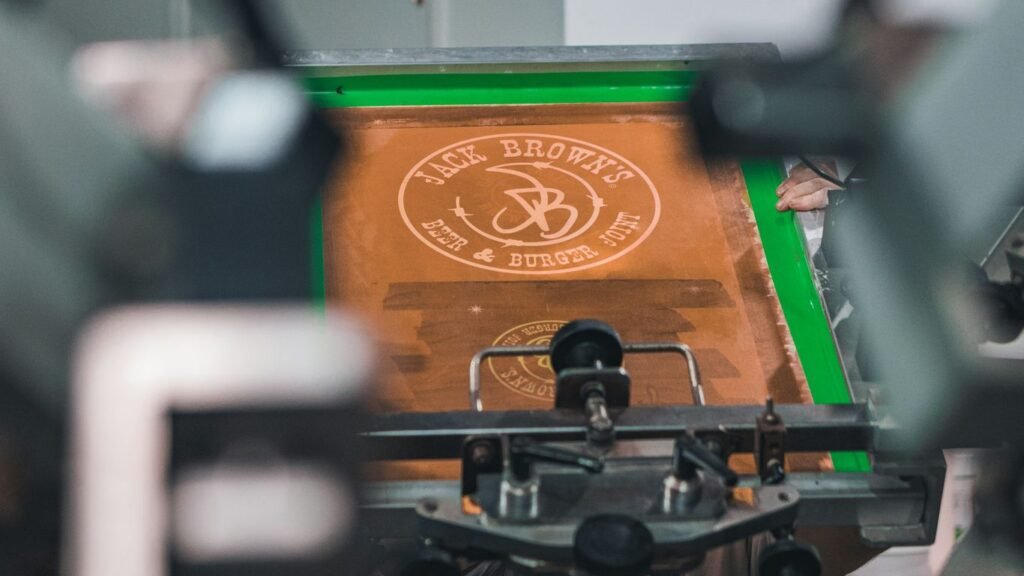
So, you’re looking to get into custom t-shirts, huh? Maybe you’ve seen some cool designs online or want to make your own gear. Well, there’s this method called DTG printing, and it’s pretty neat. It’s like using your home printer, but instead of paper, it’s putting ink straight onto a shirt. It can handle all sorts of colors and details, which is pretty awesome. We’re going to break down what DTG printing is all about, how to pick the right shirts, get your artwork ready, and what you actually need to get started. Stick around, and we’ll get you printing in no time.
Key Takeaways
- DTG printing puts designs directly onto garments using inkjet technology, similar to a home printer but for fabric.
- You can use a wide range of colors and gradients in your designs, making photorealistic images possible.
- Using good quality cotton or cotton blend shirts is important for the best print results.
- For dark shirts, a white ink underbase is needed so the colors show up brightly.
- Make sure your artwork is high resolution (300 DPI) and free of extra white pixels that will print as ink.
So, What Exactly Is This DTG Printing Thing?
Alright, let’s talk about DTG printing. You’ve probably heard the buzz, maybe seen some super cool shirts and wondered how they did it. Well, buckle up, because we’re about to break down this magical process.
It’s Like Your Home Printer, But for Your Favorite Tee
Think about that printer you have at home, the one that churns out your kid’s school projects or that recipe you’ll probably never make. DTG printing is kind of like that, but instead of paper, it’s printing directly onto fabric. Yep, you heard right. It uses inkjet technology to spray ink right onto your t-shirt, hoodie, or whatever cottony goodness you’ve got.
Unlimited Colors? Yes, Please!
Remember when you tried to print a photo on a regular t-shirt and it came out looking like a muddy mess? Yeah, not with DTG. This method is a color chameleon. You can throw pretty much any color combination at it, including those smooth, dreamy gradients that make your design pop. It’s like having an infinite crayon box for your clothes. This means you can get really detailed, photorealistic designs that would make screen printing weep with envy. Imagine printing that epic dragon design you saw on a Chinese dragon t-shirt without a million setup steps.
The Magical White Ink Underbase
Now, here’s where things get really interesting, especially if you’re not just printing on plain white tees. Ever wonder how dark shirts get those bright, vibrant prints? It’s all thanks to a special white ink. This ink is printed down first, acting like a primer or a canvas for your colors. So, even on a black shirt, your design will look as bright and bold as if it were printed on white. It’s the secret sauce that makes printing on darker garments totally doable and look fantastic, like that Christian Faith Scripture T-Shirt you might have seen.
DTG printing is essentially a high-tech inkjet printer for fabric. It sprays ink directly onto the garment, allowing for complex, full-color designs with ease, especially on cotton-based materials. The magic really happens with the white ink underbase, which makes vibrant prints possible on any color fabric.
Garment Glam: Picking the Perfect Canvas
Alright, so you’ve got this killer design ready to go, but hold your horses! Before you even think about hitting print, we need to talk about the actual shirt. Think of it like this: you wouldn’t put a Michelin-star meal on a paper plate, right? Same idea here. The garment is your canvas, and a shoddy canvas means a shoddy masterpiece. So, let’s get picky!
Don’t Skimp on the Shirt Quality, Silly!
Seriously, this is where a lot of people trip up. You might be tempted by that super cheap pack of tees, but trust me, your DTG print will thank you for spending a little extra. High-quality shirts just feel better, they hold their shape after washing, and most importantly, they give your ink something nice to cling to. A rough, thin, or overly textured shirt can make your awesome design look… well, less awesome. Look for shirts that feel substantial, have a smooth surface, and are made from good stuff. For example, a nice "C’mon Get Happy Retro Quail Family Cute Design" tee is a great starting point.
Pre-Treated Shirts: The Secret Sauce for Dark Duds
Now, if you’re planning on printing on anything darker than a shadow, you absolutely need to know about pretreatment. It’s this liquid stuff that gets sprayed onto the shirt before printing, especially on dark colors. Why? Because DTG printers lay down white ink as a base for your colors to pop. Without pretreatment, that white ink can just soak into the fabric and look all fuzzy and sad. Pretreatment helps the ink sit on top, giving you those bright, crisp colors you’re dreaming of. It’s like giving your dark shirt a special primer coat.
Cotton Blends: Your New Best Friends
While 100% cotton is often the go-to, don’t sleep on cotton blends, especially for DTG. A mix of cotton and polyester can be your secret weapon. The cotton gives you that soft, breathable feel we all love, while the polyester adds a bit of oomph in the durability department. These blends tend to hold up better in the wash and resist wrinkling, which means your awesome print stays looking sharp for longer. Cotton-polyester blends are a solid choice for a good balance of comfort and longevity.
Choosing the right garment isn’t just about aesthetics; it directly impacts how well your design transfers and how long it lasts. Think of it as the foundation for your wearable art.
Artwork Alchemy: Turning Your Ideas into Ink
Alright, so you’ve got a killer idea for a t-shirt. Awesome! But before you go thinking your doodle from a napkin is ready for prime time, let’s talk about making your artwork play nice with the DTG printer. It’s not quite as simple as hitting ‘print’ on your home computer, but it’s definitely doable.
Your Design’s Resolution: Make it 300 DPI or Bust!
This is a big one, folks. If your design looks fuzzy or pixelated on your screen, imagine how it’ll look printed on a shirt. Nobody wants a blurry masterpiece. For DTG printing, you absolutely need your artwork to be at least 300 dots per inch (dpi) at the size you want it printed. Think of DPI as the detail level. More dots mean a sharper, cleaner image. If you’re pulling images from the internet, be super careful; they’re often way too low-res for printing. It’s best to create your art specifically for printing or use high-quality stock images. You can find designers who specialize in creating art for DTG on platforms like Fiverr or Upwork if you’re not feeling the design vibe yourself. Getting the resolution right is key to a professional-looking print, and it’s something you can control before the ink even hits the shirt. For example, if your design needs to be 10 inches wide on the shirt, the file itself needs to be set to 10 inches at 300 dpi. Check out this guide for more on resolution.
Gradients and Textures: DTG’s Playground
Here’s where DTG really shines. Unlike some other printing methods that struggle with smooth color transitions or intricate details, DTG can handle them like a champ. Think soft, dreamy gradients that blend seamlessly, or detailed textures that add depth to your design. DTG printers are pretty good at reproducing these subtle nuances, giving your artwork a professional and polished look. So, don’t shy away from adding those cool gradient effects or subtle textures to your designs; the printer can usually handle them with grace. It’s a great way to make your designs pop and look more sophisticated.
Beware of Those Pesky White Pixels!
This is a bit of a sneaky one. Sometimes, when you’re working with designs that have transparent backgrounds or have been edited a lot, you might end up with tiny little white pixels around the edges of your design elements. These aren’t usually visible on your computer screen, especially if you have a white background. But guess what? The DTG printer doesn’t know they’re supposed to be invisible. It sees them as part of the design and will print them. This can lead to weird, fuzzy outlines or little white speckles where you don’t want them. Always, always, always zoom in super close on your artwork and meticulously clean up any stray white pixels before you send your file off to be printed. It’s tedious, but it’s way better than finding out after the fact. A good way to check is to view your design on a black background, as this will make any unwanted white elements stand out.
Preparing your artwork correctly is half the battle. It’s the difference between a shirt that looks like it was printed at home and one that looks like it came from a professional shop. Take the time to get your resolution right, clean up your edges, and you’ll be way ahead of the game.
The Nitty-Gritty of DTG Printing
Alright, let’s get down to the nitty-gritty. DTG printing isn’t just magic; it’s a process with a few key steps that make all the difference between a print that wows and one that… well, doesn’t. Think of it like baking a cake – you can’t just throw everything in and expect a masterpiece. You need the right ingredients and the right steps.
Pretreatment: The Unsung Hero of Dark Garments
If you’re printing on anything darker than a pale beige, you absolutely must pretreat the fabric. This isn’t just a suggestion; it’s the secret handshake for getting vibrant colors on dark tees. Without it, your colors will look dull and sad, like a forgotten party balloon.
- Why bother? Pretreatment acts like a primer for your shirt. It creates a smooth surface for the white ink to sit on, so your colors don’t get absorbed into the dark fabric and disappear.
- How it’s done: You can spray it on manually with a good old-fashioned spray gun, or if you’re feeling fancy (or printing a lot), you can get a pretreatment machine. Just make sure you get an even coat – no one likes splotchy shirts.
- Drying is key: After spraying, you’ve got to dry that pretreatment. A heat press or a conveyor dryer works wonders. Follow the manufacturer’s instructions like they’re the gospel.
White Underbase: Making Your Colors Pop Like Popcorn
This is where the magic really happens on dark garments. The white ink acts as a base layer, and it’s super important to get it right. A good white underbase is the difference between a print that looks like it was painted on and one that looks like it’s part of the shirt itself.
- RIP Software is your friend: Your RIP (Raster Image Processor) software is your control panel for this. You can tweak how much white ink goes down. Too little, and your colors will be weak. Too much, and you might get a thick, plasticky feel or ink spreading where you don’t want it.
- Think highlights: Sometimes, you don’t need a full, solid white layer everywhere. Using highlights in your design can help reduce ink usage and keep the print feeling softer.
- Test, test, test: Seriously, print a few samples on scrap fabric or old shirts. See how the white underbase looks with your colors. You’re aiming for bright and bold, not muddy and meh.
RIP Software: Your Design’s Best Friend (or Worst Enemy)
Ah, the RIP software. This is the brain behind the operation. It takes your artwork and tells the printer exactly what to do, how much ink to use, and in what order. It’s powerful, and if you don’t know how to use it, it can be a real headache.
- Color Management: This is where you’ll set up your color profiles to make sure the colors on your screen match what comes out on the shirt. It’s not always perfect, but you can get pretty close.
- White Ink Settings: As we talked about, this is where you control the white underbase. You can set the density, the choke (how much the white ink is slightly smaller than the color ink to avoid outlines), and other fancy things.
- Print Speed vs. Quality: Most RIP software lets you choose between faster print speeds or higher quality. For those "Trendy Coffee Lovers Breakfast Pastry Croissant Club T-Shirt" orders, you might lean towards speed, but for a detailed piece, quality is king.
Getting comfortable with your RIP software is a game-changer. It might seem complicated at first, but once you get the hang of it, you’ll be printing like a pro. Don’t be afraid to experiment with the settings – just remember to save your successful profiles so you can use them again. It’s like learning to drive; a bit wobbly at first, but soon you’ll be cruising.
Remember, mastering these steps will make your DTG prints look amazing, whether it’s a simple graphic tee or a complex design like the one on this "I Eat Cement Funny Cat Meme Internet Memes Funny Memes Gen-Z T-Shirt".
Essential Gear for Your DTG Printing Shenanigans
Alright, so you’ve got your brilliant designs ready to go, and you’re itching to slap ’em onto some tees. But hold your horses! Before you can start churning out masterpieces, you need the right tools for the job. Think of it like baking a cake – you wouldn’t try to whip up a soufflé with just a whisk and a dream, right? DTG printing is no different. You need some specific bits and bobs to make the magic happen.
The Star of the Show: Your DTG Printer
This is the big kahuna, the main event, the reason you’re even reading this. Your Direct-to-Garment (DTG) printer is what actually sprays the ink onto your fabric. They come in all shapes and sizes, from cute little tabletop models perfect for a hobbyist just starting out, to hulking beasts that can print on multiple shirts at once for serious production. The kind you need really depends on how much you plan to print. If you’re just dipping your toes in, a smaller one might do the trick. But if you’re aiming to become the next big thing in custom tees, you’ll want something a bit more robust. Choosing the right printer is probably the most important decision you’ll make. It’s the heart of your operation, so do your homework!
Curing Devices: Don’t Let Your Ink Run Away
So, the printer lays down the ink, looking all pretty and vibrant. But guess what? That ink is still wet and sticky. If you just hand over the shirt, your customer will end up with a colorful mess on their hands (literally). That’s where curing devices come in. They use heat to bake that ink onto the fabric, making it permanent and washable. You’ve got a few options here: a heat press is super common, a tunnel dryer is like a mini conveyor belt oven, or sometimes a combo of both works best. It all depends on how many shirts you’re printing and how much space you have. You can’t skip this step, or your awesome designs will wash away faster than your New Year’s resolutions.
Pretreatment Applicators: Spraying Your Way to Success
Now, this one’s a bit of a behind-the-scenes hero, especially when you’re printing on darker garments. Pretreatment is basically a liquid solution that you apply to the shirt before printing. Why bother? Well, it helps the ink stick better and makes those colors pop like fireworks. Without it on dark shirts, your white ink won’t have a good base to sit on, and your colors will look dull. You can apply it manually with a spray gun, which is fine for small runs, or you can get fancy with an automatic pretreatment machine. Some printers even have this built-in, but don’t count on that unless you’ve specifically bought one that does. Getting the pretreatment right is key to vibrant prints that last.
Remember, each piece of equipment works together. Your printer lays down the ink, the pretreatment helps it stick, and the curing device makes it permanent. It’s a whole system, and skimping on one part can mess up the whole show.
Keeping Your DTG Prints Looking Fab
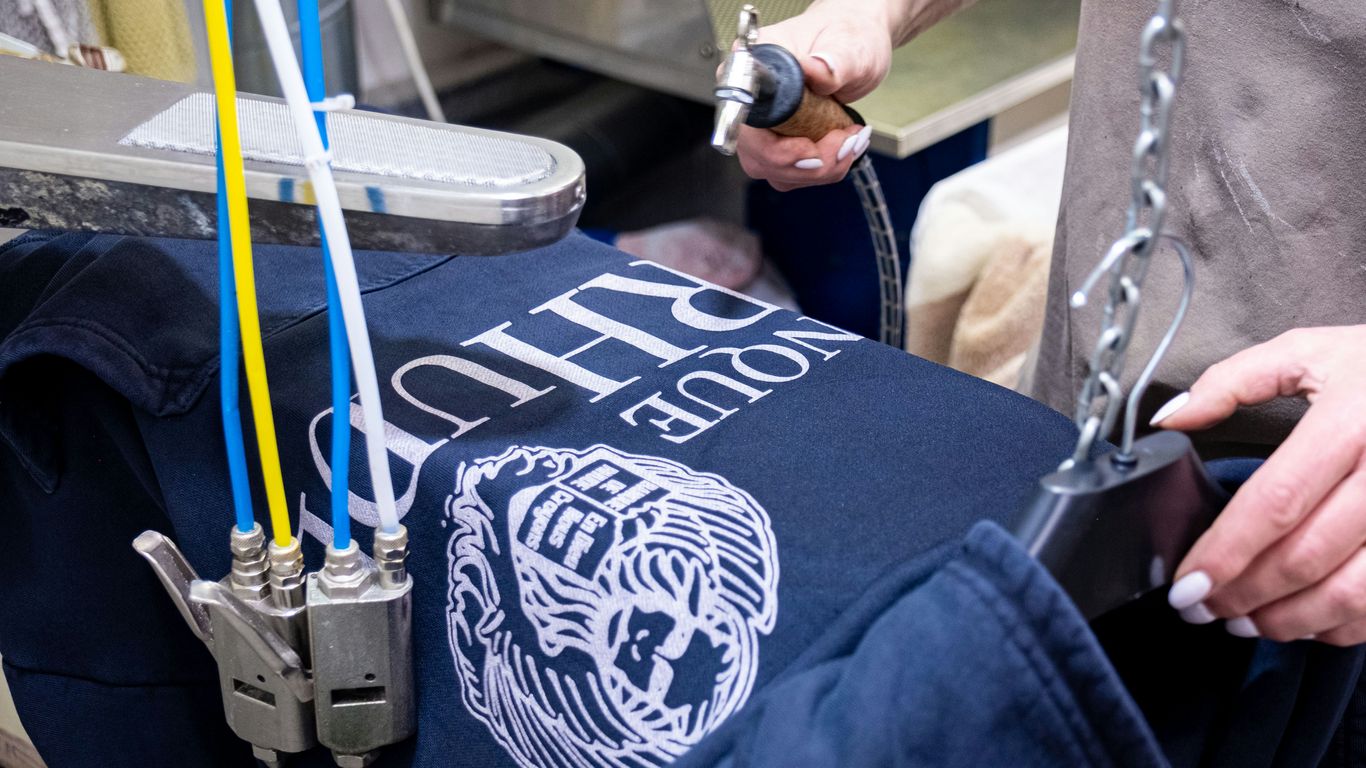
So, you’ve gone through the whole DTG printing process, and your shirts look amazing. High five! But wait, don’t just hand them over and walk away like a magician who just pulled a rabbit out of a hat. You gotta tell your customers how to keep these masterpieces looking fresh, otherwise, you’ll have folks calling you up with sad stories about their faded tees. It’s all about a little bit of care, and honestly, it’s not rocket science.
Washing Instructions: Tell Your Customers, Please!
This is super important. Think of it like giving someone the secret handshake to keep their new favorite shirt looking awesome. You don’t want them tossing it in with a load of jeans and a rogue red sock, right? Here’s the lowdown you should pass along:
- Wash Inside Out: This is probably the most critical step. It protects the printed design from rubbing against other clothes or the washing machine drum. It’s like giving the print its own little shield.
- Cold Water Only: Hot water is the enemy of DTG prints. It can make the ink bleed or fade faster than a politician’s promise. Stick to cold or, at most, lukewarm water (around 30°C or 86°F).
- Gentle Cycle: No need to put your shirts through the wringer. A gentle cycle is all that’s needed to get them clean without stressing the print.
- Mild Detergent: Avoid harsh chemicals or bleach. A standard, mild detergent is your best bet.
- Tumble Dry Low or Hang Dry: High heat from a dryer can damage the print. If you must use a dryer, use the lowest heat setting possible. Even better? Hang them up to dry. It’s the gentlest option and saves energy, too!
- No Ironing Directly on the Print: If you absolutely have to iron the shirt, turn it inside out or place a cloth over the design. Direct heat is a no-go zone for your awesome artwork.
Remember, these aren’t just suggestions; they’re the golden rules for keeping those vibrant colors from looking like they’ve seen better days after just a few washes. A little heads-up goes a long way.
Testing, Testing, 1, 2, 3: Washability Woes Solved
Before you start printing a massive batch of shirts for a client, you really need to do some testing. It sounds like a drag, but trust me, it’s way less of a drag than dealing with a flood of complaints later. Grab a few test prints (or even a finished shirt) and put them through the wringer – literally. Wash them, dry them, maybe even wear them around the house for a bit. See how they hold up. This is your chance to catch any issues before they become a problem for your customers. You want to make sure your prints are as durable as that hedgehog t-shirt you saw online [3ce6]. If your prints are failing wash tests, it’s time to revisit your pretreatment and curing processes. Maybe your heat press isn’t hot enough, or your pretreatment application is uneven. Dialing this in now saves you headaches later.
Maintenance: Because Your Printer Needs Love Too
Your DTG printer isn’t just a magical ink-spitting box; it’s a complex piece of machinery that needs regular TLC. Skipping maintenance is like skipping your oil changes – eventually, something’s gonna break down, and it’ll cost you way more than a little preventative care.
- Daily Cleaning: Wipe down print heads and capping stations. This prevents ink from drying and clogging things up.
- Weekly Checks: Run cleaning cycles and check ink levels. Make sure your capping station is sealing properly.
- Monthly Deep Dive: Inspect tubes, dampers, and other components. Follow the manufacturer’s recommendations for flushing or replacing parts.
- Software Updates: Keep your RIP software and printer drivers up to date. Updates often include performance improvements and bug fixes.
Ignoring maintenance is a fast track to print quality issues and costly repairs. Treat your printer right, and it’ll keep churning out those awesome designs for you. For more on keeping things running smoothly, check out the care instructions for screen-printed items [7346] – many principles overlap with DTG care.
So, What’s the Verdict?
Alright, we’ve covered the ins and outs, the good, the great, and maybe even the slightly-greasy-hands parts of DTG printing. It’s not rocket science, but it’s definitely more than just slapping ink on a shirt. Think of it like baking a cake – you need the right ingredients (good shirts, good art), the right oven temperature (proper pretreatment and curing), and maybe a little bit of luck. So go forth, experiment, and don’t be afraid to get a little ink on your fingers. Your customers (and your awesome new t-shirts) will thank you for it. Now, if you’ll excuse me, I think I need a nap.
Frequently Asked Questions
What is DTG printing?
DTG printing, which stands for Direct-to-Garment, is like using a special inkjet printer to put designs straight onto t-shirts and other clothes. It’s similar to how your home printer puts ink on paper, but this one is made for fabric!
Can I print any design with DTG?
You bet! DTG printing is awesome because it can handle tons of colors, even really detailed pictures or designs that fade from one color to another. It’s way easier than old methods that needed a separate screen for each color.
Why do dark shirts need special treatment?
When printing on dark shirts, the colors might not show up brightly on their own. DTG printers use a special white ink as a base layer first, kind of like painting a white canvas. This makes sure your colors look super bright and don’t get lost in the dark fabric.
What kind of shirts work best for DTG?
Cotton shirts are usually the best choice for DTG printing. They soak up the ink nicely. Sometimes, shirts made of a mix of cotton and other materials can work too, but 100% cotton is often the safest bet for the best results.
How do I make sure my artwork prints well?
For the clearest prints, your design needs to be high quality. Think of it like a photo – if it’s blurry or pixelated when you zoom in, it will look that way on the shirt too. Aim for a sharp image with a resolution of at least 300 DPI (dots per inch).
How should I wash my DTG printed shirt?
To keep your cool design looking great, it’s best to wash the shirt inside out in cold water and avoid using a dryer on high heat. This helps the ink last longer and keeps the colors from fading too quickly.